We’re really excited to finally announce something we’ve been building in partnership with Kelvin Tegelaar and the team at CyberDrain: Syncro Snapshot.
We heard the feedback constantly: security assessments are either slow, cost money, or require too much intrusive setup, stalling your sales cycle.
So we built a zero-friction tool to solve this.
Here’s the deal:
What it is: A complimentary (free!) assessment tool for Microsoft 365 environments to spot critical security gaps.
The Best Part (No Catch): It runs on a single-use, session-based scan. NO credential storage, NO data persistence, and NO hassle. This minimizes risk and complexity while delivering a clean report.
What it checks: Everything critical—Entra ID config, MFA coverage, Global Admin governance, configuration, and license optimization.
The Output: An “executive-ready report” with misconfigurations, risk exposure, and ROI-based recommendations. It’s designed to start a meaningful conversation, fast.
This combines CyberDrain’s deep M365 expertise with our focus on building tools that let you thrive through operational excellence.
Give it a run on a test tenant and tell us what you think!
hey Rick! we’ve got some additional fine-tuning planned on the PDF render, including the ability to remove that Syncro info so its a bit friendlier for clients. Will keep you posted, in the meantime I think you can just delete that final page from the PDF itself after it’s exported
I promise it’s meant be to like that + for illustrative purposes only But hey, if you want your Secure Score to be at 100%…Snapshot does recommend some steps to help you get there!
@Jess ohhh, that was a simulation of the score itself?
Since it was an animated build-up, I thought it was some progress bar that got stuck
Thanks for clarifying.
Looks cool, we’re digging through our first report now!
I am just curious how people are planning on using this. I think it is great for checking where we are at with the clients we manage, but is there any way to leverage this as a sales tool given that we need to be Global Admin already on the tenant to run the assessment?
It seems to me that I can run this for all my current clients and it will just show what I should already be doing for them and what I might be missing.
Don’t get me wrong I think its a great tool for internal purposes but I am just wondering if anyone plans to leverage the printable report to upsell current clients?
To add to what mark1 is suggesting, it would be amazing to continue expanding this new tool as part of the Syncro XMM stack. An option to monitor the M365 tenant’s security continuously instead of a one time scan would make perfect sense. For example, we could trigger an e-mail in case of a suspect activity, such as a user login in from another country, instead of just using the tool to see if these connexions are blocked. This would really take Syncro XMM to a new level.
There is a product we use which does exactly that, it’s called Sherweb Officeprotect, and it allows to do a free scan, just like Syncro, but it also has a paid version that adds the monitoring part, and I really think Syncro should take this approach
Thanks for the feedback. We love to hear how you are thinking. We agree, bring this into Syncro for true prospecting is a logical next evolution. Stay tuned, 2026 is coming up fast!
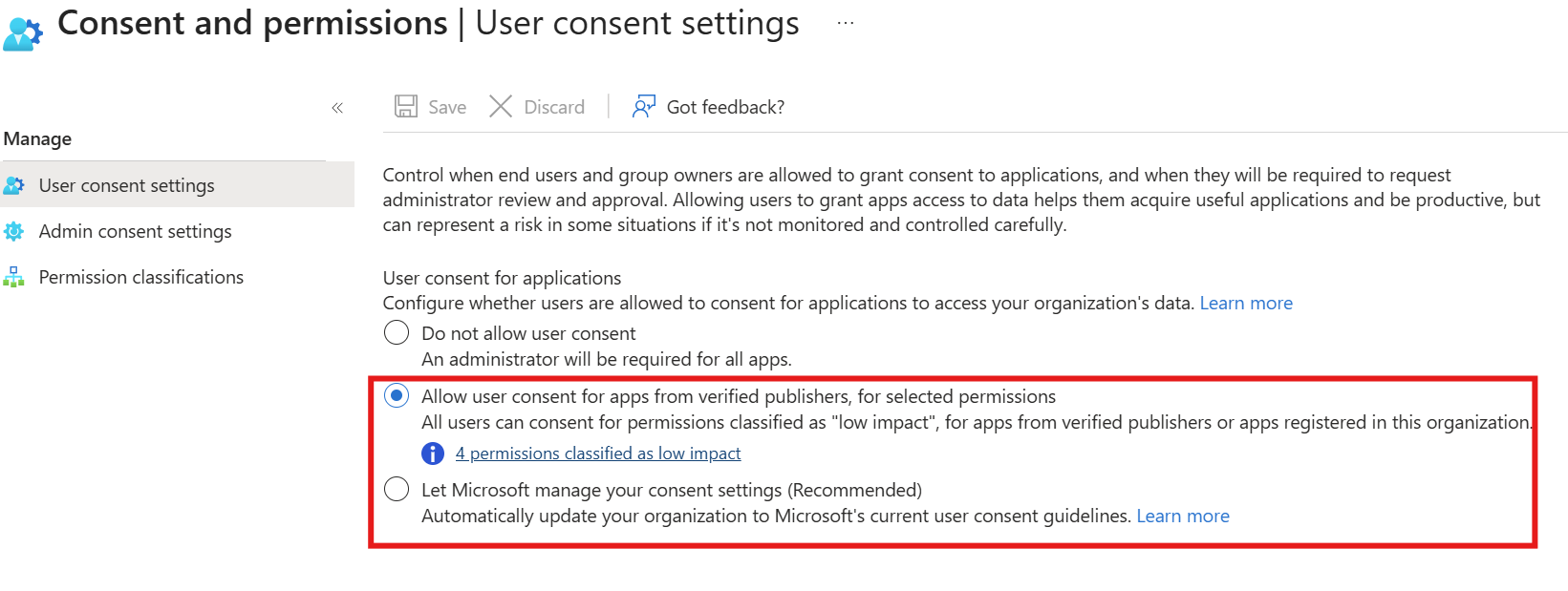
I noticed that during initial setup, I am prompted to grant the same permissions as shown.
I leave ‘Grant Consent on behalf’ unchecked as per normal practices.
Wow! I’m incredibly thrilled and humbled by the overwhelmingly positive response and feedback we’ve gotten about Syncro Snapshots so far through a variety of channels.
In the short time it’s been in the wild (less than a week) we’ve heard so much from you all about how useful it is. But we’ve also heard that you want and need more to effectively monitor and manage M365 for your customers.
As we’ve analyzed your feedback, a few things have stood out to us:
The app needs to be Verified through Microsoft
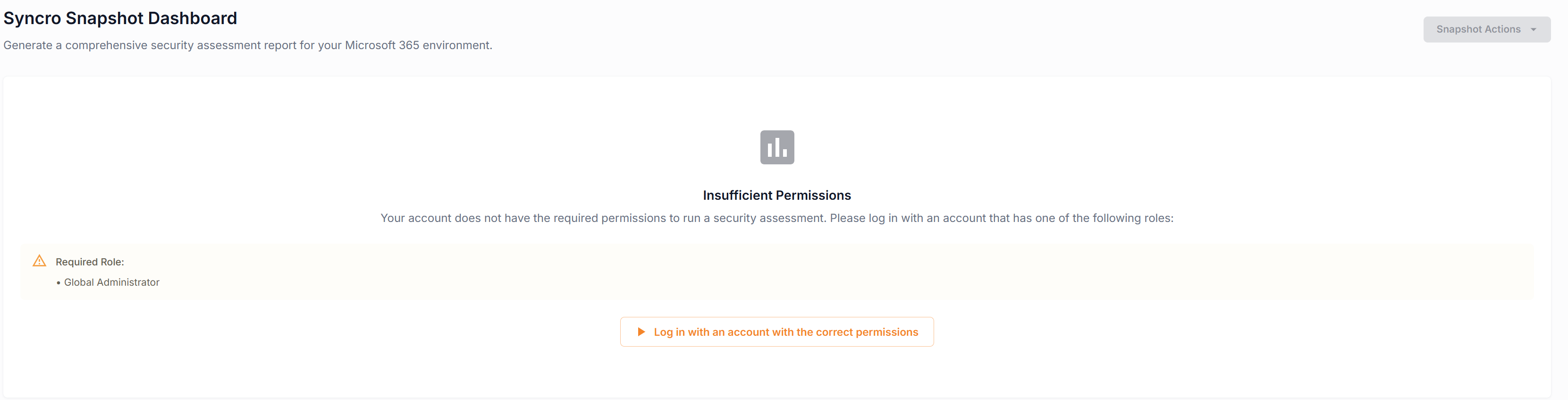
Some of you are having trouble accessing the tool and are seeing an insufficient permission error even when you have the correct permissions
The Forwarding Rules report isn’t properly reflecting the rules in some tenants
The XMM one-sheeter isn’t removable on the Executive report
While we’ve received a ton of enhancement ideas, these appear to be the most common and the most critical, so we’ll be addressing them first.
For those of you getting the Insufficient Permissions error or an error where Snapshot isn’t able to ascertain the permissions, as a temporary workaround you can authorize the Enterprise App manually in Entra ID.



 But hey, if you want your Secure Score to be at 100%…Snapshot does recommend some steps to help you get there!