For anyone using the toast notification you get a powershell window pop up that is annoying and looks like there is an open feature request on MS about powershell being able to respect windowstyle hidden parameter.
Anyway, my improvement for the moment is to use cmd /c to start the powershell with start. It still flashes but is much quicker.
If this helps, then replace the first line with the second line. Curious if anyone has a better option.
I could have sworn he went over different scripts than this. His seemed really complicated and were amazing but these don’t seem like the same one’s. Am I mistaken? I could have sworn we talked about staging computers and calling scripts from github. Can we have those posted here as well? I’m going over the video again and trying to glean out the information, but was hoping that some of that might be listed here as well. Thank you. A lot of this was over my head honestly. I appreciate having any scripts that can be provided. He was going very fast for me.
One other script I think he talked about was to regularly change the local user password and accounts.
P.S. I know this makes me sound dumb, but waaaaay back in the day, I had a choice of whether I wanted to be a programmer or a computer and network engineer. When I was programming, my brain would never sleep. Go to the bathroom in the middle of the night and think how I could fix an issue in my code. Networking, if I got it to work, I could at least sleep most of the night.
I had no idea that I needed to be both. These do make our jobs a whole lot easier though.
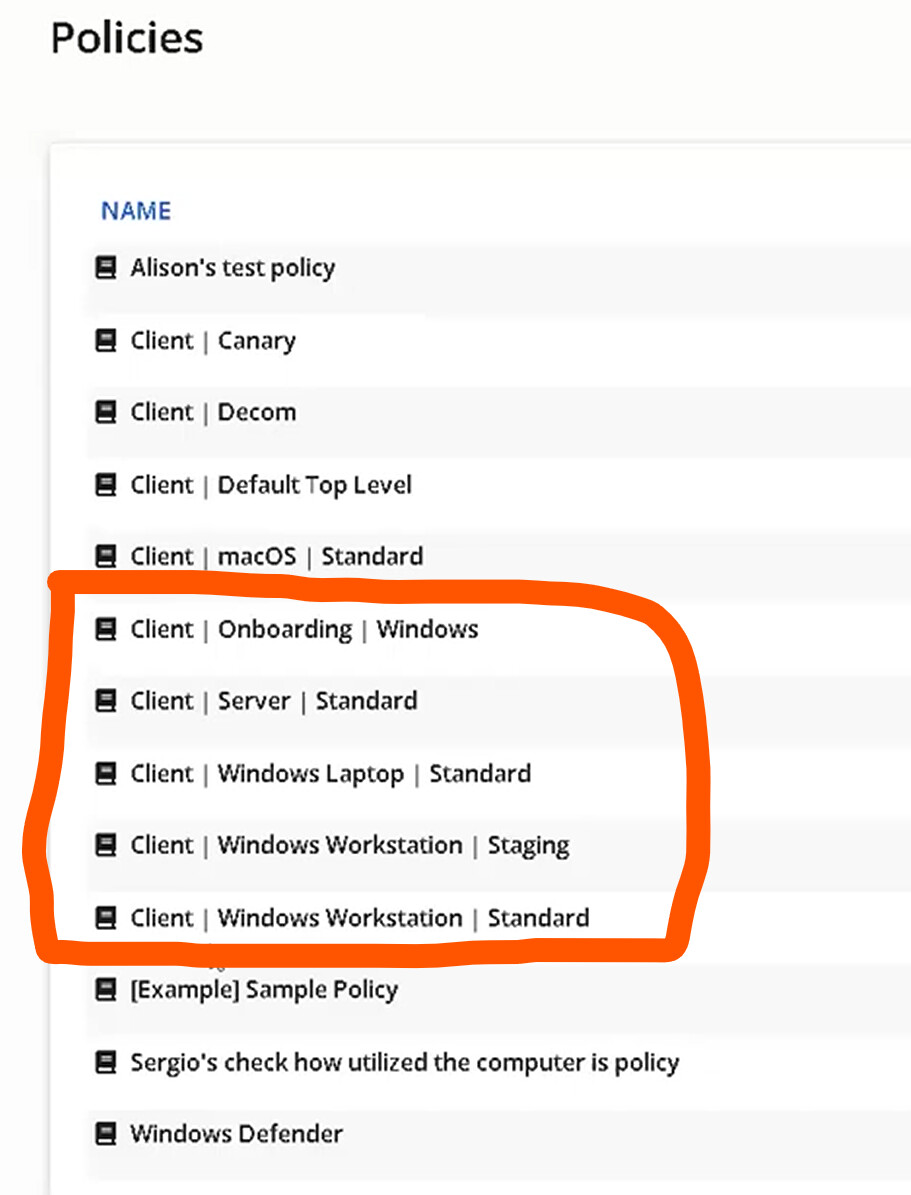
@des.quinn helped me find the one script I was looking for so I’m good with that one. I did re-watch the video and I think I saw what he was talking about with the onboarding policies. I just wasn’t sure about the others. I probably spoke too soon.
Leave it to Fisk to speak too quickly and then I look like a Noob. We have a great community though that is very helpful to each other. A bit refreshing to have such nice people to work with, to be honest. Some places it isn’t like this.
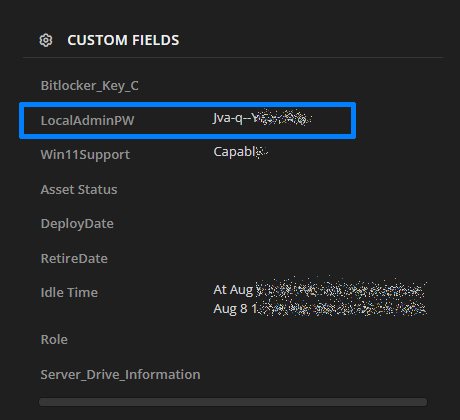
you could use log to the asset or do a send email function but I would recommend against that. It currently logs to a custom asset field so it is always available when you check the asset.
This is one of our assets. I am going to change how we log this info so it has a prefix of when that password was set.
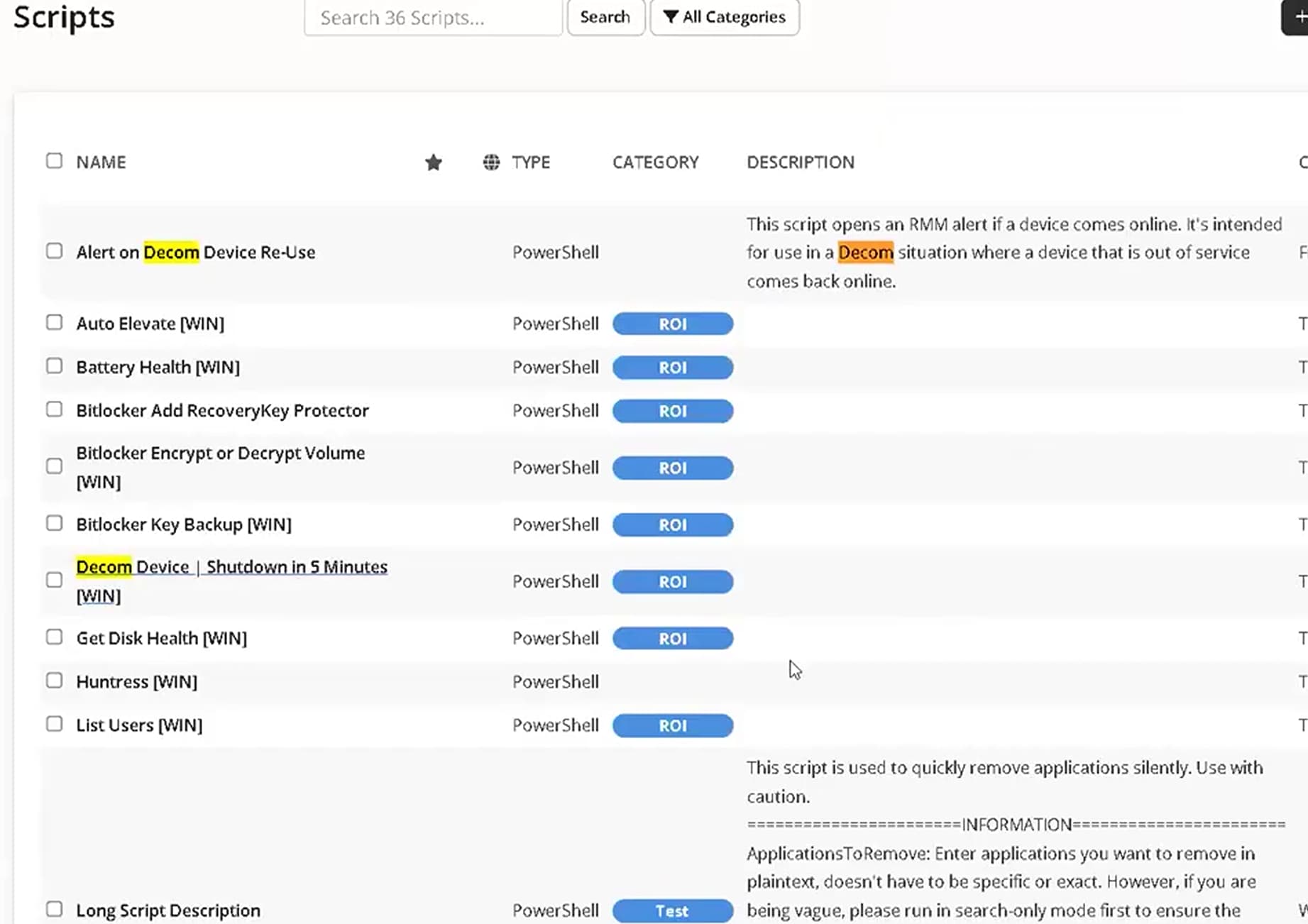
I really enjoyed this session I tried to use the “Bitlocker key backup” script what I created a custom field called “Bitlocker Status” when i run the script the output appears to be sucessful but nothing gets added to the “Bitlocker Status” field does anyone have any ideas?
I changed my asset field in the script to Bitlocker_Key_C as I was already using this. Make sure you have Import-Module $env:SyncroModule at the top and double check the Name matches. It should be a text field. Create a new one and change it in the script.
Hello, I was wondering if we could have a follow up on the whole “scripts are hosted on github and called via syncro”
I think that would be some super useful information, at least on the very simple thing of how are they calling the scripts, do you just keep 1:1 syncro scripts named for their github match, do you use any other variables or ways of tracking script completion/logging?
We began building this out after hearing about it, but are just guessing on how it would be implemented.
We wrote our own password rotation script that runs on every workstation against a standard username. Here is a gist:
The wordlist can be any words you want. Ours is over 150 words, so I truncated it for the gist. This version requires you to set a $localTechAdmin variable with the username of your admin account at runtime (I suggest a dropdown, unless you use a unique admin username at every site), and writes the value to an asset custom field. You need to set your field name around line 56.
You should also combine this with event log monitoring so you can track when someone logs in using this backupAdmin (or whatever you call it) account.
Additional question if you don’t mind. Do you just keep 1:1 scripts in syncro, with the name/function of the script, and then the body of the script in syncro just contains the “framework” script to call the github content?
Pretty much spot on; you could replace the Github link in the Framework with a runtime variable, and then only have a single script in Syncro, but you’d lose logging of what script ran, when, etc.
1:1 is the way to otherwise retain all functionality.

 The recording and resources will be posted in this thread after the session — bookmark it now!
 Use this space to ask questions in advance or share what you want us to cover live.
 He’ll follow up as soon as possible. Thanks for your patience.